Laptops with numpads offer a unique blend of functionality and convenience, making them essential for professionals, gamers, and anyone handling numerical data frequently. From aiding in quicker data entry to enhancing gaming controls, a numpad can significantly boost your productivity. This guide explores why you should consider a laptop with a numpad, highlights key features, and provides recommendations to help you make an informed decision.
Introduction
Laptops with numpads are becoming increasingly popular, thanks to their added utility for various tasks. Whether you’re an accountant punching in numbers, a gamer who values additional key commands, or a data analyst juggling large datasets, a numpad makes your work easier and more efficient. In this guide, we delve into the benefits of laptops with numpads and explore the best models available in 2024.

Why Choose a Laptop with a Numpad?
Numpads on laptops provide significant productivity enhancements, particularly for professionals and gamers. The primary reason many users prefer laptops with numpads is the efficiency they bring to numerical tasks.
-
Enhanced Productivity for Professionals: Business users, especially those working in finance, accounting, and data analysis, find numpads indispensable for quick and accurate number input. A dedicated numpad allows for faster data entry compared to using numbers on the top row of a standard keyboard.
-
Gaming Advantage: Gamers benefit from numpads by assigning additional commands to the keys, giving them an extra edge in competitive scenarios. This flexibility can greatly enhance gaming experiences, especially in complex games that require extensive keyboard use.
-
Financial and Data Analysis Efficiency: For those in fields requiring frequent numerical calculations, such as accounting and data analysis, the presence of a numpad facilitates a smoother workflow, allowing tasks to be completed more quickly and with fewer errors.
Understanding the benefits of laptops with numpads helps underscore their importance for various users. This realization brings us to a crucial aspect of selecting the right laptop: understanding the essential features to consider when evaluating your options.
Key Features to Look for in Laptops with Numpads
Choosing the right laptop involves considering several features that impact performance and usability.
-
Hardware Specifications: Look for a laptop with a strong processor and sufficient RAM to handle multitasking and demanding applications. A powerful GPU is also important if you plan on gaming or performing graphic-intensive tasks.
-
Numpad Design and Ergonomics: The numpad’s layout and the tactile feel of the keys are crucial for sustained comfort during use. Ensure the keys are well-spaced and responsive.
-
Software and OS Integration: Ensure the laptop’s operating system supports the software you plan to use and that the numpad is fully integrated for seamless functionality in your preferred applications.
After understanding the key features to look for, let’s explore some of the top laptops in 2024 offering numpads, catering to different needs and preferences.
Top Laptops with Numpads in 2024
Finding the right laptop among numerous options can be challenging. Here, we list some of the best laptops with numpads in various categories.
- Best Business Laptops:
- Dell XPS 15: With its elegant design and powerful performance, this laptop is perfect for business professionals needing a reliable machine for daily tasks.
-
HP Spectre x360: This convertible laptop offers versatility, coupled with a responsive numpad, ideal for multitasking in a professional setting.
-
Top Gaming Laptops:
- Asus ROG Zephyrus G14: Known for its superior graphics and cooling system, this laptop supports extensive gaming sessions with ease.
-
MSI GS66 Stealth: With a sleek design and powerful hardware, this laptop delivers an immersive gaming experience.
-
Budget-Friendly Options:
- Acer Aspire 5: This affordable laptop provides excellent value for money, offering solid performance and a functional numpad for basic computing needs.
- Lenovo IdeaPad 3: Perfect for students and light users, this laptop combines affordability with essential features, including a numpad.
Knowing which models offer the best features can assist you in finding a laptop that aligns with your needs. As we move forward, let’s discuss how you can identify the perfect laptop for your requirements.
How to Choose the Best Laptop for Your Needs
Selecting the ideal laptop requires a thorough understanding of your personal requirements and budget constraints.
-
Performance Needs: Consider what tasks you’ll be performing most often. If you handle complex datasets or run graphics-intensive software, invest in a laptop with a powerful CPU and ample RAM.
-
Budget Considerations: Your budget will narrow down the options. Determine the maximum you want to spend and find models that offer the best features within that range.
-
Brand Comparisons: Evaluate different brands based on user reviews and expert ratings. Some brands specialize in gaming laptops, while others offer better options for business use.
Selecting a laptop with a numpad that fits your needs involves weighing these factors carefully. Next, let’s examine the benefits of using such laptops in more detail.
Benefits of Using a Laptop with a Numpad
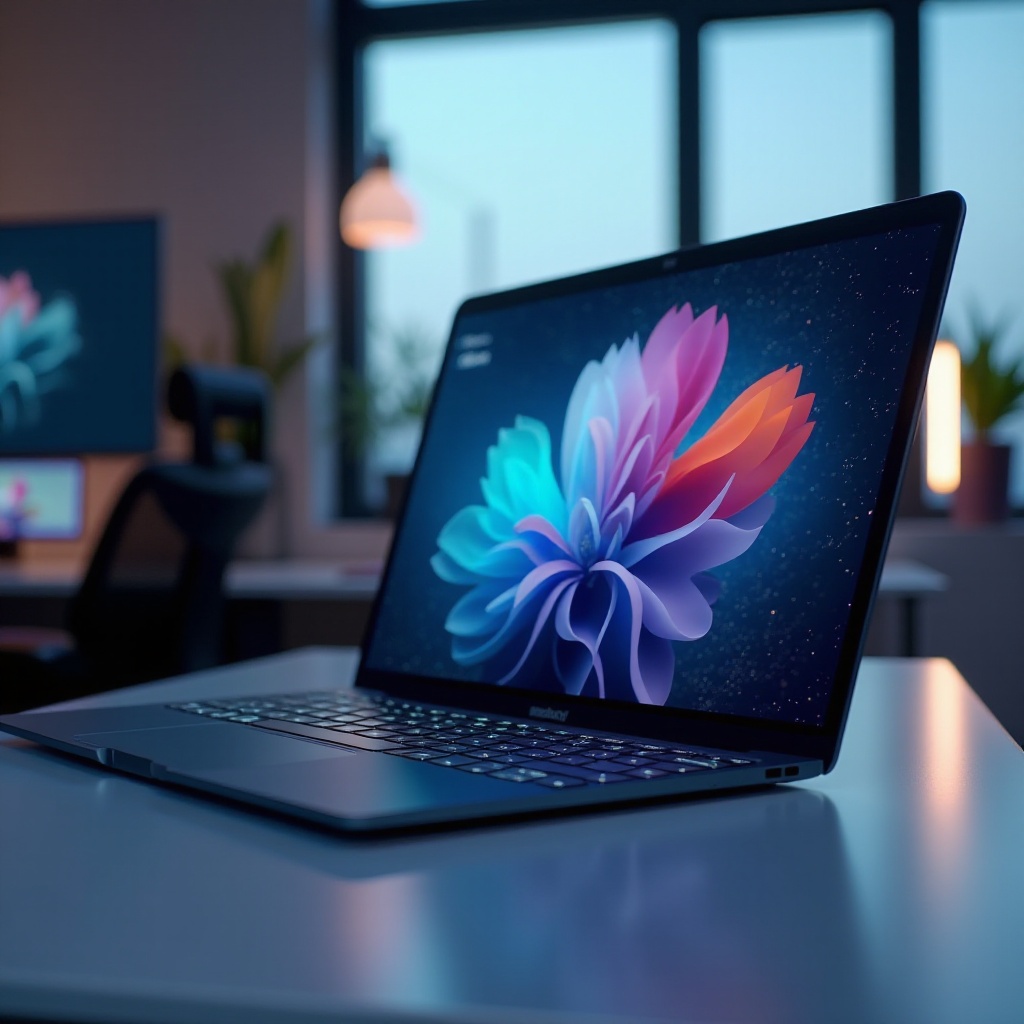
Incorporating a numpad into your computing arsenal brings numerous advantages, making your workflow more efficient and enjoyable.
-
Speed and Efficiency: A numpad allows for faster data entry compared to the number row, which is particularly beneficial for tasks involving frequent numerical input.
-
User Convenience and Comfort: Ergonomically designed numpads provide an intuitive layout that aligns with natural hand movements, reducing strain during extended use.
-
Multitasking Capabilities: Having a dedicated numpad enables you to assign specific tasks or macros, enhancing your ability to multitask effectively.
Appreciating these benefits emphasizes why a laptop with a numpad could be a great asset. Finally, let’s wrap up our guide with a concise conclusion.
Conclusion
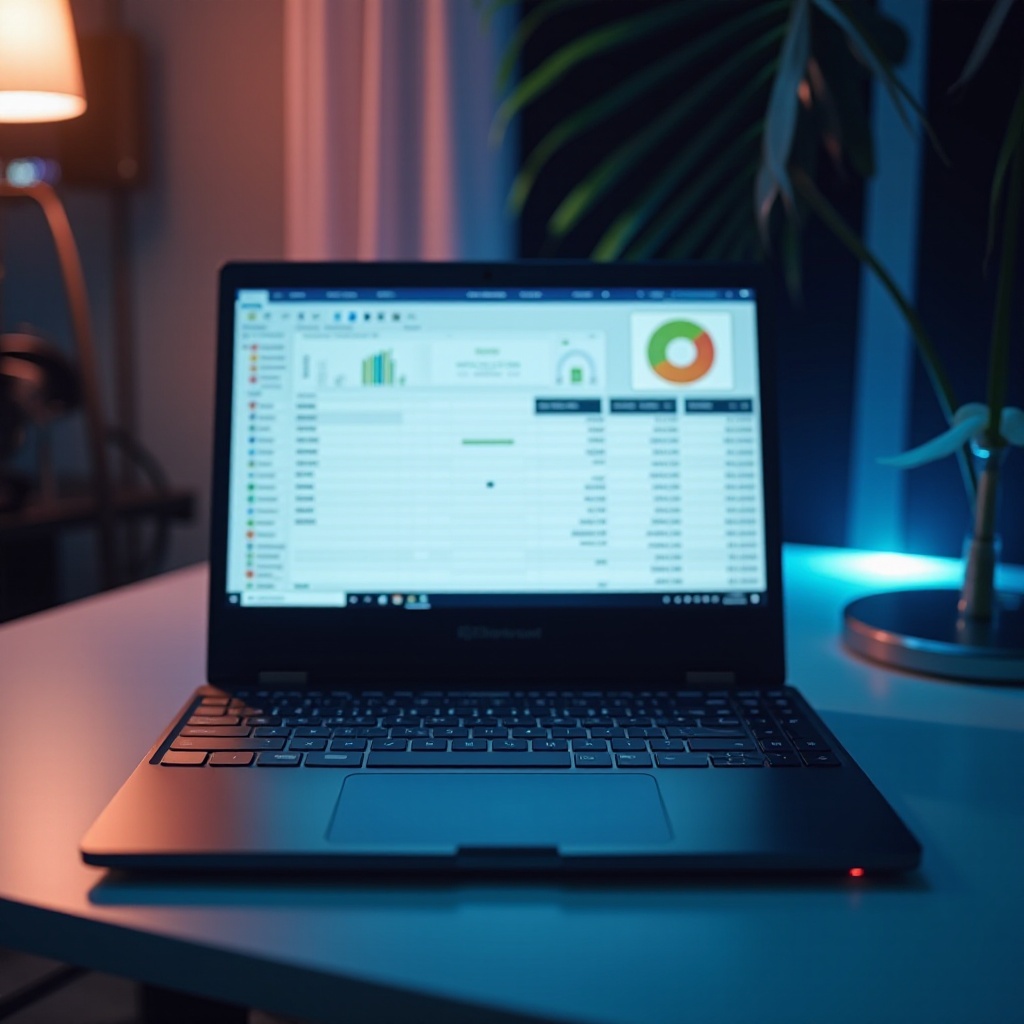
Laptops with numpads offer substantial benefits for professionals, gamers, and other users who frequently engage with numerical data. By understanding the key features to consider and examining top models available in 2024, you’re equipped to select the perfect laptop to enhance your productivity and meet your specific computing needs.
Frequently Asked Questions
Are laptops with numpads more expensive?
Not necessarily. While some high-end models with numpads can be pricier, budget-friendly options are available without significantly increasing the cost.
Can I add a numpad to a laptop without one?
Yes, external USB or Bluetooth numpads are available and can easily be connected to laptops that lack an integrated numpad.
What brands offer the best numpad laptops?
Brands like Dell, HP, Asus, MSI, and Lenovo produce quality laptops with integrated numpads, catering to various user needs and budgets.