Introduction
Smart devices are transforming our homes, with speakers playing a crucial role in delivering entertainment and convenience. Speakers with Chromecast built-in provide seamless streaming and smart integration, becoming a preferred choice for many. This guide explores the benefits of Chromecast technology, what features to look for, reviews top models, and offers setup tips for an optimal experience.
What is Chromecast Built-In?
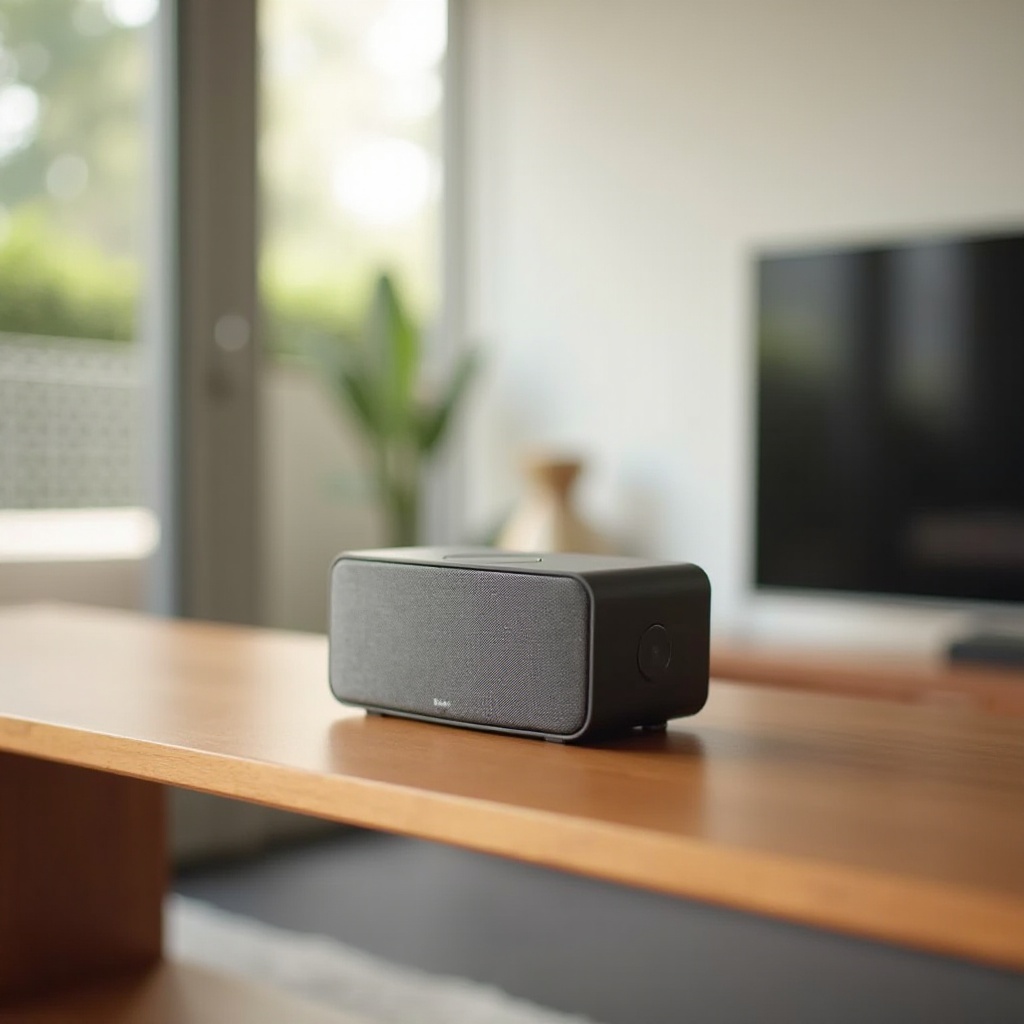
Chromecast built-in allows users to stream high-quality audio and video content directly to speakers from their devices via Wi-Fi. This technology surpasses traditional Bluetooth by offering uninterrupted streaming, as it doesn’t rely on your phone’s resources. Chromecast creates a more seamless audio experience, compatible with numerous apps and services, allowing you to control your home’s sound landscape with ease.
Speakers with Chromecast built-in are favored for their flawless integration with Google Assistant and their role in unifying a smart home environment. This feature enables easy voice control, connecting your music experience with other smart devices at home.
Key Features of Chromecast Speakers
When selecting a Chromecast-enabled speaker, focus on these critical features:
- Audio Quality and Performance: Prioritize speakers that deliver clear highs, rich mids, and deep bass. Advanced audio processing features are also beneficial for an enhanced listening experience.
- Smart Connectivity and Integration: Look for compatibility with other smart devices, especially with Google Assistant, for seamless operation across your smart home.
- User-Friendly Controls: Opt for devices that offer intuitive controls directly on the speaker and through a companion app, giving you flexibility and convenience in managing your music.
Understanding these features allows you to choose a speaker that meets your needs. Let’s look into the top models available this year.
Top 5 Chromecast Built-In Speakers in 2024
Choosing the right speaker involves balancing features with performance. Here are the top Chromecast-integrated speakers for 2024:
- Model 1: JBL Link Music
Compact yet powerful, JBL Link Music delivers immersive sound quality suitable for any space. - Model 2: Sony SRS-RA3000
This model offers ambient room-filling sound with smart adaptability to optimize audio depending on the room. - Model 3: Nest Audio
Attractive for its eco-friendly design, Nest Audio delivers a balanced sound that’s perfect for all types of rooms. - Model 4: Bose Home Speaker 300
A small package with big sound, Bose provides room-filling audio and integrates seamlessly with various streaming services. - Model 5: Marshall Uxbridge Voice
Known for its vintage aesthetic and modern technology, this speaker offers crisp sound and supports both Chromecast and Alexa.
These models highlight exceptional audio capabilities, making them ideal for transforming your listening experience. Moving forward, let’s explore the advantages these speakers offer for smart home enthusiasts.
Advantages of Using Chromecast Speakers
Chromecast-enabled speakers offer notable advantages that enhance your audio system:
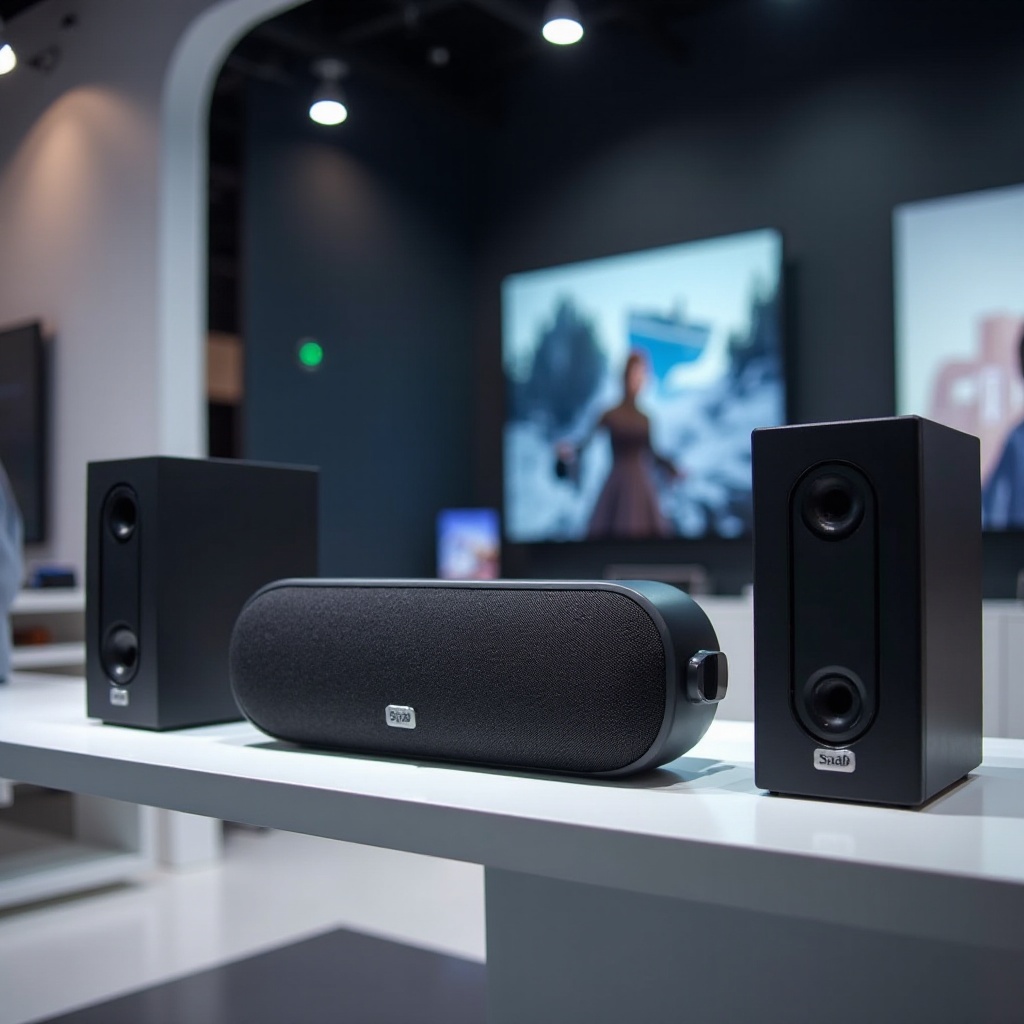
- Seamless Streaming and Multi-Room Audio: With Chromecast, you can sync audio across multiple speakers, creating a comprehensive audio environment throughout your home.
- Compatibility with Smart Home Devices: These speakers easily integrate with other Google devices, providing a unified smart home experience managed via voice or mobile app.
Understanding the range of benefits makes it clear why investing in Chromecast speakers is a wise choice. Proper setup is essential to enjoy these benefits, which we will discuss next.
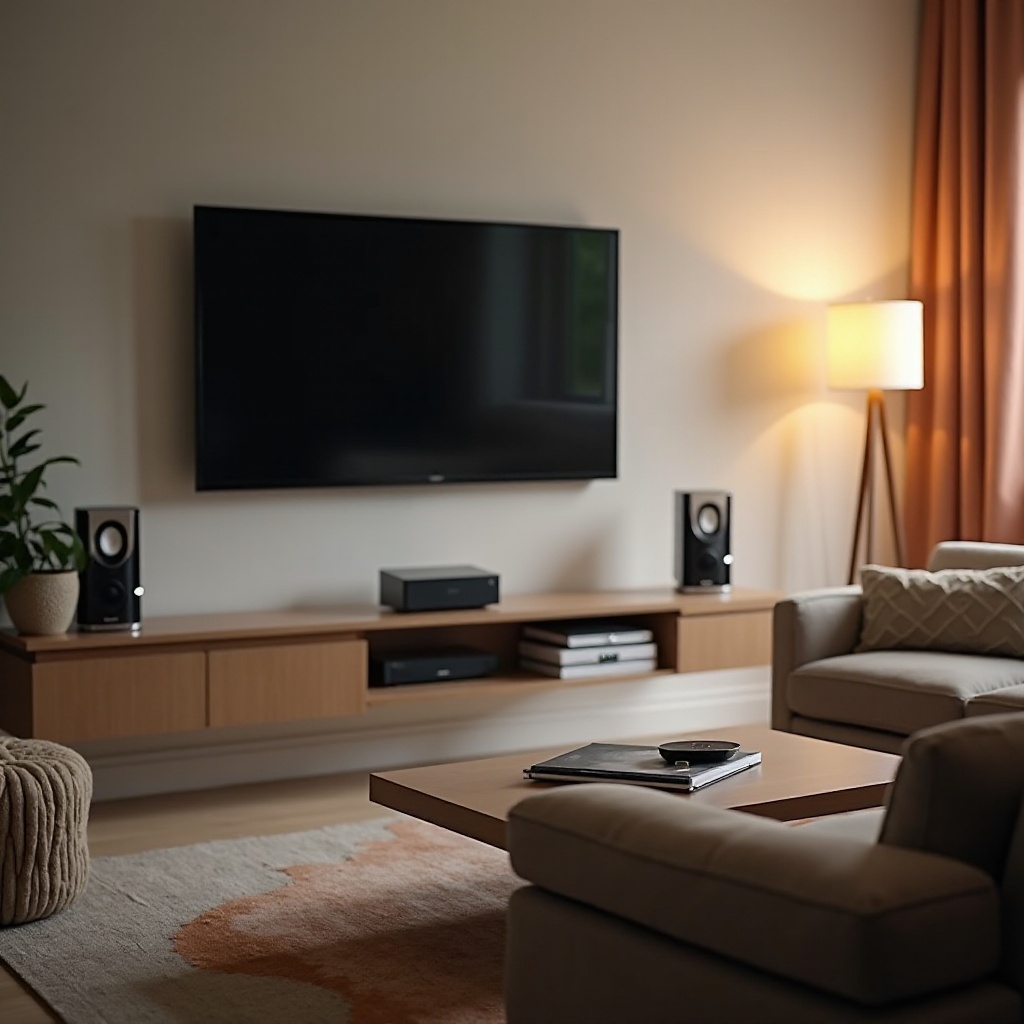
How to Set Up Your Chromecast Speaker System
Setting up Chromecast speakers is straightforward:
- Plug in Your Speaker: Ensure it is powered on and ready.
- Download Google Home App: Install it on your smartphone or tablet if not already available.
- Add Your Device: In the app, tap ‘Add,’ choose ‘Set up device,’ and follow the instructions to connect your speaker.
- Connect to Wi-Fi: Make sure your speaker is on the same Wi-Fi network as your control device.
- Customize Settings: Adjust settings like volume and voice match via the app for personalized experience.
- Begin Streaming: Start casting your audio content for a refined listening experience.
Following these steps ensures you harness the full power of your Chromecast speaker. Now, let’s conclude this informative journey.
Conclusion
Speakers with Chromecast built-in merge cutting-edge sound technology with smart home convenience. With their ability to deliver high-quality audio and compatibility with other devices, they redefine how we experience music in everyday settings. By selecting the right model and setting it up properly, you can bring superior sound and control to your home, enriching your audio environment.
Frequently Asked Questions
How do I connect my speaker with Chromecast built-in to my network?
Use the Google Home app to connect your speaker to your Wi-Fi network following the setup instructions.
Can Chromecast speakers work with Bluetooth devices?
Yes, many Chromecast speakers also support Bluetooth, providing versatile connectivity beyond Wi-Fi.
What should I do if my Chromecast speaker isn’t connecting properly?
Ensure your Wi-Fi is stable, restart your devices, and try reconnecting through the Google Home app. Consult the support section on the manufacturer’s website if needed.