Introduction
Encountering a ‘No HDMI Signal’ message on your Samsung TV can be incredibly frustrating, especially when all you want is to enjoy your favorite shows or movies. This issue might arise due to various reasons, ranging from simple connection problems to more advanced technical glitches. Fortunately, many of these issues are resolvable with a little troubleshooting. In this comprehensive guide, we will walk you through methods to diagnose and fix this problem, helping you restore that much-needed signal and enjoy a seamless viewing experience once again.
Understanding HDMI Signal Issues
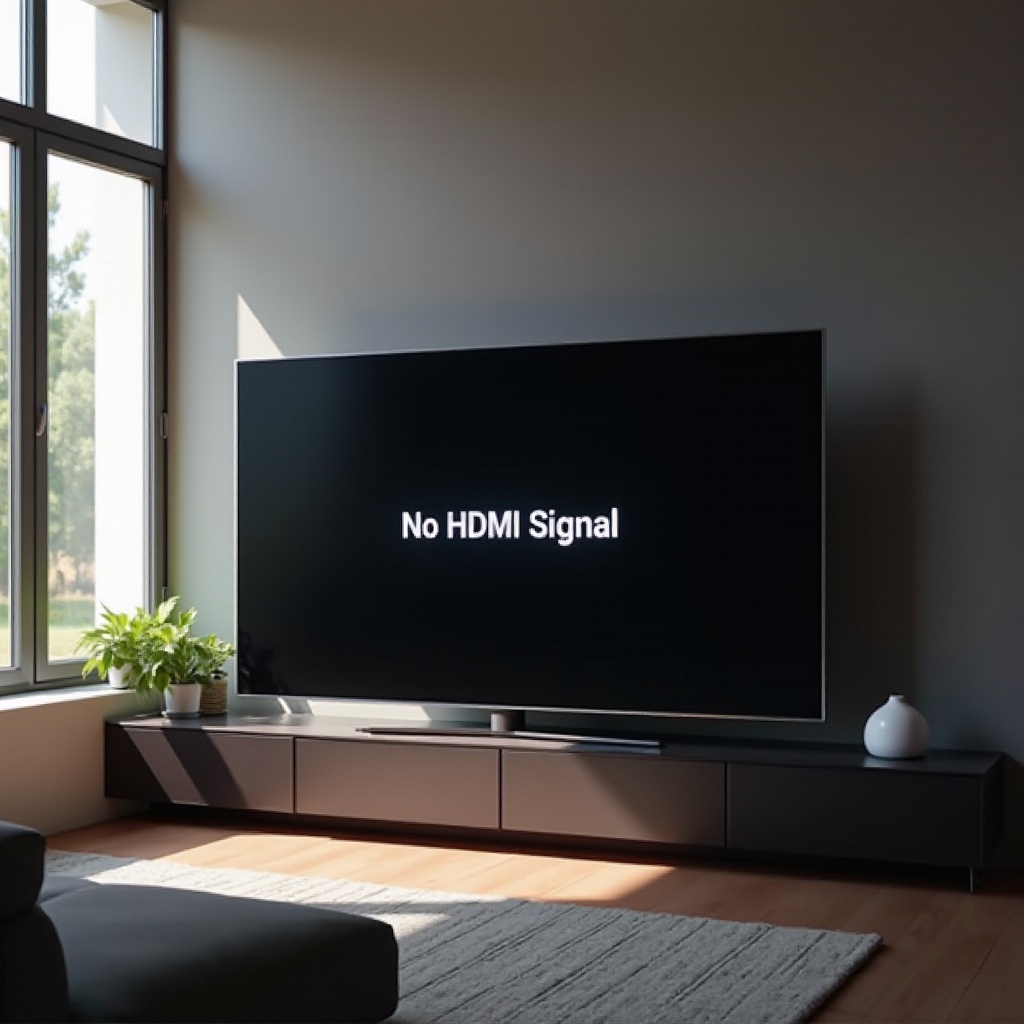
HDMI (High Definition Multimedia Interface) is the standard connection interface for high-quality audio and video transmission between devices like TVs, media players, and gaming consoles. When a Samsung TV displays a ‘No HDMI Signal’ message, it indicates that the device is not receiving any data from the external device connected via HDMI. This can occur due to faulty cables, incorrect settings, or incompatibility between the TV and the device. Understanding these issues is crucial for finding the right solution and ensuring a continuous stream of entertainment content.
Connecting the understanding of the issue with practical resolutions, let’s move on to some preliminary checks that can often clear up connectivity problems quickly.
Preliminary Checks and Basic Solutions
Before diving into complex troubleshooting, performing preliminary checks will often resolve basic connectivity issues:
-
Check HDMI Cable Connections: Ensure the HDMI cable is properly connected to both the Samsung TV and the external device. Re-seat the cable firmly on both ends.
-
Switch HDMI Ports: If the cable seems fine, try connecting it to a different HDMI port on your TV to determine if the issue is specific to one port.
-
Inspect for Physical Damage: Look for visible damage to the HDMI cable which might interfere with signal transmission. If any is found, consider replacing the cable.
-
Power Cycle Devices: Simply turning off the TV and other devices, unplugging them for a minute, and then turning them back on can sometimes reset connections and resolve the issue.
These simple steps may immediately resolve no HDMI signal issues. However, if problems persist, further troubleshooting is necessary.
Advanced Troubleshooting Tips
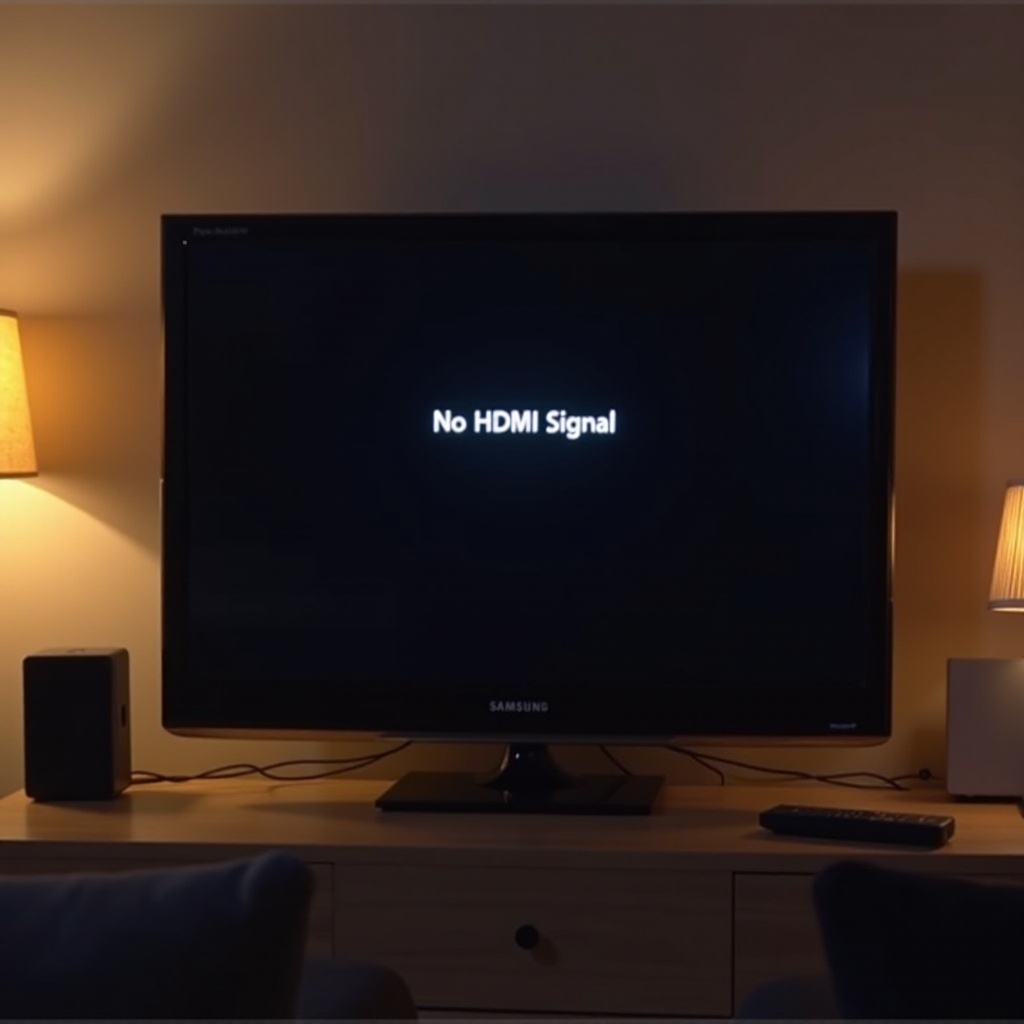
For ongoing issues despite preliminary checks, delve into advanced troubleshooting strategies that address both software and hardware aspects:
Updating Samsung TV Firmware
Keeping your TV’s firmware updated ensures compatibility with external devices and eliminates software bugs that could disrupt HDMI communication.
- Navigate to ‘Settings’ on your Samsung TV.
- Go to ‘Support’ and select ‘Software Update.
- Choose ‘Update Now’ and allow the TV to download and install the latest firmware version.
Firmware updates can be instrumental in resolving persistent issues by introducing improvements and fixing known bugs.
Resetting Your Samsung TV
Resetting your TV can clear any temporary settings or software glitches affecting HDMI signal reception.
- Press the ‘Menu’ or ‘Settings’ button on your remote.
- Select ‘General,’ then ‘Reset,’ and enter your PIN (default is 0000).
- Confirm the reset process and let the TV restart.
Checking External Device Settings
Sometimes, the problem lies with the external device connected to the TV.
- Ensure the device is powered on and set to the correct output mode (e.g., HDMI output).
- Navigate the device settings to check for any resolution mismatches. It should be compatible with your Samsung TV’s capabilities.
- Try using another device to verify whether the HDMI issue persists with other equipment.
Having explored these solutions on your own devices, it’s also wise to consider hardware and compatibility tests.
Evaluating Hardware and Compatibility
If advanced troubleshooting does not resolve the issue, investigate hardware and compatibility factors:
- Test with an Alternative HDMI Cable: Occasionally, seemingly good cables can fail. Testing with a new cable can verify cable-related issues.
- Assess Device Compatibility: Ensure the external device is fully compatible with your Samsung TV model. Some older devices may have compatibility issues with modern TVs.
- Seek Professional Assistance: If unsure about evaluating hardware compatibility, contacting a professional for a thorough diagnosis might be wise.
Should hardware evaluations fall short, it could be time to engage directly with Samsung’s expert assistance.
When to Contact Samsung Support
Should all the above steps fail to resolve the HDMI signal problem, it’s time to reach out to Samsung’s support team. They can provide guidance specific to your TV model and situation. Additionally, if your TV is under warranty, Samsung support can offer repair or replacement services.
Preventative Measures for Future
Preventing future HDMI signal issues boils down to maintaining optimal conditions:
- Regularly inspect HDMI cables and ports for signs of wear and tear.
- Keep your TV’s firmware updated.
- Use quality HDMI cables suitable for high-definition content to ensure durability and reliability.
By taking these preventative steps, users can often avoid signal disruption altogether.
Conclusion
A ‘No HDMI Signal’ issue on your Samsung TV can indeed be a hassle. Still, with a structured approach to diagnosis and troubleshooting, it’s often fixable with minimal effort and cost. By following the outlined steps, you should successfully restore the connectivity between your Samsung TV and your external devices, ensuring uninterrupted viewing pleasure.
Regular maintenance and awareness of compatibility and updates can prevent such issues in the future, keeping your entertainment flow seamless and enjoyable.
Frequently Asked Questions
Why does my Samsung TV say no HDMI signal?
The message indicates a lack of data reception through the HDMI connection, which could result from loose cables, incompatible devices, or TV settings.
How do I reset the HDMI port on my Samsung TV?
While there’s no direct reset option for HDMI ports, performing a TV reset through settings can refresh the HDMI connection and its related settings.
Can a faulty HDMI cable cause no signal on my TV?
Absolutely, a damaged or defective HDMI cable can disrupt the signal, leading to no HDMI signal messages. Replacing the cable often resolves this issue.