Introduction
Encountering issues when trying to connect your speaker to your phone is a common frustration, especially when you’re eager to enjoy your playlists or podcasts without interruption. In this guide, we’ll delve into the typical reasons why your speaker might not be connecting to your phone and provide practical solutions. From basic checks to more comprehensive troubleshooting, this article is designed to help you get your audio devices working smoothly together again.
Common Reasons for Speaker Connection Issues
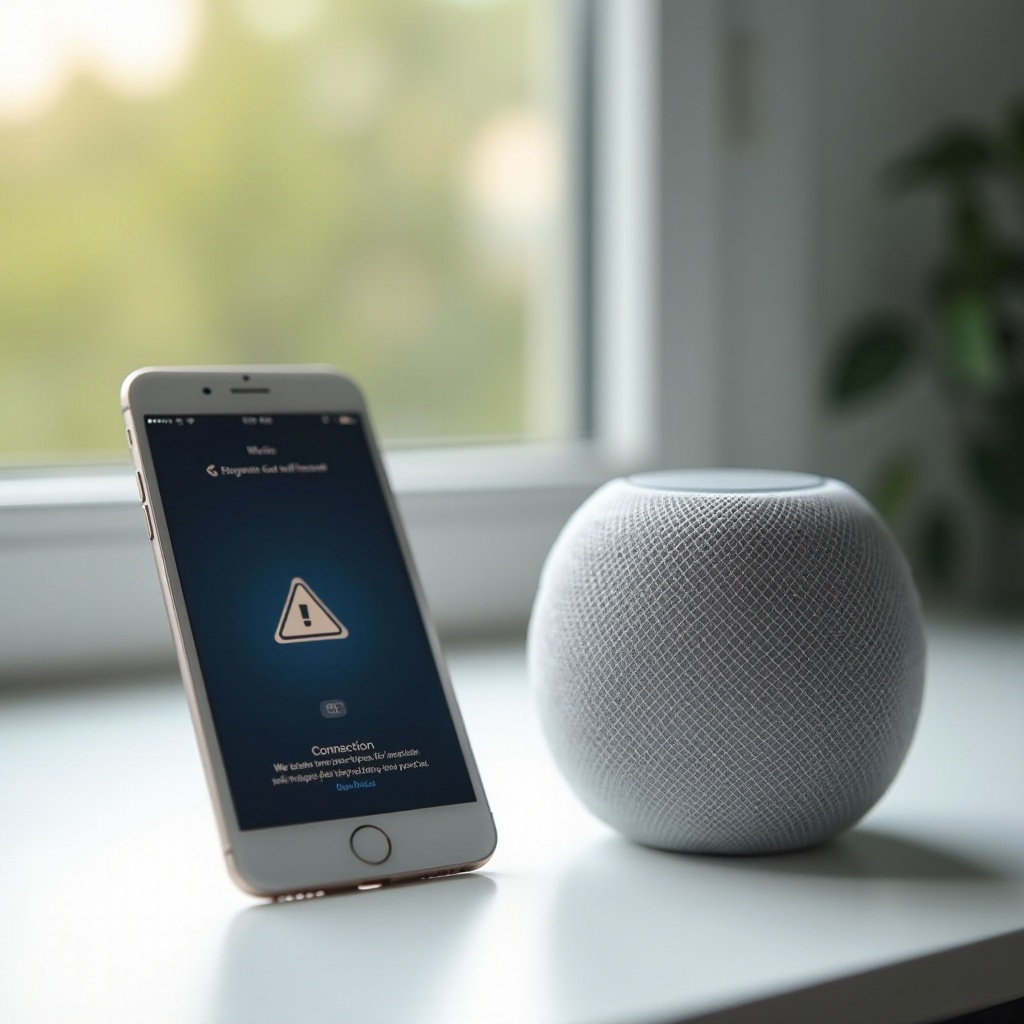
Identifying the primary causes of connectivity issues can significantly reduce the time and effort needed to fix them, allowing you to establish and maintain a stable connection between your speaker and phone.
Bluetooth Settings Not Enabled
A frequent cause of failed connections is the Bluetooth setting on the phone being turned off. While this might seem elementary, it’s often overlooked by users struggling to connect their devices.
Devices Are Out of Range
Bluetooth technology operates within a limited range. If your phone and speaker are too far apart, they simply won’t connect. Keeping them within proximity is essential to maintaining a reliable connection.
Low Battery on Speaker or Phone
Both devices need sufficient battery life to maintain a Bluetooth connection. When your phone or speaker has a low charge, connectivity may falter or cease altogether.
Basic Troubleshooting Steps
Often, connectivity problems can be resolved with a few straightforward troubleshooting steps.
Checking Device Compatibility
Ensure that your speaker and phone are compatible. Some older devices might not support newer Bluetooth versions, leading to connection troubles. Double-check compatibility to rule this out.
Ensuring Speaker Is in Pairing Mode
For a fresh connection, your speaker should be in pairing mode. Refer to the device manual for steps to initiate pairing, typically signaled by a blinking light on the speaker.
Re-pairing the Devices
If initial connection attempts fail, try removing the speaker from your phone’s Bluetooth paired devices list and re-adding it. This can often resolve temporary connection glitches.
Advanced Solutions for Connection Problems
If basic troubleshooting doesn’t suffice, more advanced solutions might be necessary to rectify connectivity woes.
Resetting the Bluetooth Connection
A full reset of the Bluetooth connection can be beneficial. Turn off Bluetooth on your phone, restart both the phone and speaker, and try connecting the devices again.
Updating Device Firmware
Ensure that both devices have the latest firmware updates. Manufacturers periodically release updates that address known bugs, including connectivity issues. Visit the manufacturer’s website to check for updates.
Ensuring No Interference from Other Devices
Other electronic devices can cause interference with Bluetooth signals. Devices like Wi-Fi routers, microwaves, or another Bluetooth device might disrupt the connection. Try switching these off to see if it resolves the issue.
When to Consider Professional Help
At times, DIY solutions might not be enough, and professional help could be required.
Identifying Signs of Hardware Issues
Check for signs of physical damage on either device that could affect connectivity, such as cracked components or water exposure, which might necessitate an expert analysis.
Exploring Warranty or Repair Options
If your devices are under warranty, reach out to customer support for repair or replacement services. If the warranty has expired but the product is valuable, professional repair might still be a viable option.
Tips for Preventing Future Connectivity Issues
To avoid future disruptions, consider the following preventive measures to maintain effective connectivity between your devices.
Regular Software and Firmware Updates
Keep both devices updated with the latest software and firmware. Regular updates enhance compatibility and often fix known issues affecting connectivity.
Maintaining Proper Device Distance
Ensure that your devices stay within the recommended distance from each other to prevent connection drops. Understanding your devices’ range capabilities is essential.
Routine Device Checks and Maintenance
Regularly inspect and clean your devices to ensure they remain in optimal condition. Check for dust or debris that could obstruct ports or connection points.
Conclusion
Speaker and phone connection problems can often be fixed through troubleshooting and an understanding of potential causes. By identifying common issues and applying the provided solutions, you can enjoy uninterrupted listening experiences. Staying diligent with updates and maintenance will prevent future issues and ensure a harmonious performance between your devices.
Frequently Asked Questions
Why does my speaker keep disconnecting from my phone?
Interference, low battery, or being out of range are common causes for repeated disconnections. Check these factors to improve the connectivity.
How do I know if my speaker is in pairing mode?
Typically, a light will blink on your speaker indicating it is ready to pair. Consult your speaker’s manual for specific instructions.
Can multiple devices cause connectivity problems with my speaker?
Yes, having multiple devices trying to connect to the speaker can cause connectivity issues. Ensure only one device is paired and connected at any time.