Introduction
The Xbox Series X delivers an exceptional gaming experience, yet its lack of native Bluetooth support can be a hurdle for gamers looking to enjoy wireless audio. A Bluetooth adapter can effectively bridge this gap, enabling seamless connectivity with wireless headphones or speakers. This comprehensive guide explores the advantages of using a Bluetooth adapter, reviews the top options for 2024, and provides a step-by-step setup guide to ensure you get the most out of your Xbox Series X.
Understanding Xbox Series X Connectivity
The Xbox Series X is equipped with an impressive array of features, but Bluetooth isn’t part of the package. By default, the console utilizes proprietary connections for controllers and peripherals, which limits direct Bluetooth access. Fortunately, Bluetooth adapters offer a solution by expanding connectivity options, allowing for a wireless audio experience that enhances gaming immersion. Grasping these connectivity limitations highlights why a Bluetooth adapter is indispensable.
Why Use a Bluetooth Adapter for Xbox Series X?
Bluetooth adapters are crucial for Xbox Series X users aiming to elevate their gaming setup. These small devices allow players to wirelessly connect popular headsets, speakers, and other audio peripherals, leading to a tidy, cord-free environment. The advantages are more than just visual; adapters provide users with mobility and convenience, transforming gaming into a more engaging, clutter-free experience. This newfound flexibility means less time dealing with hardware issues and more time immersed in thrilling adventures.
Top Bluetooth Adapters for Xbox Series X in 2024
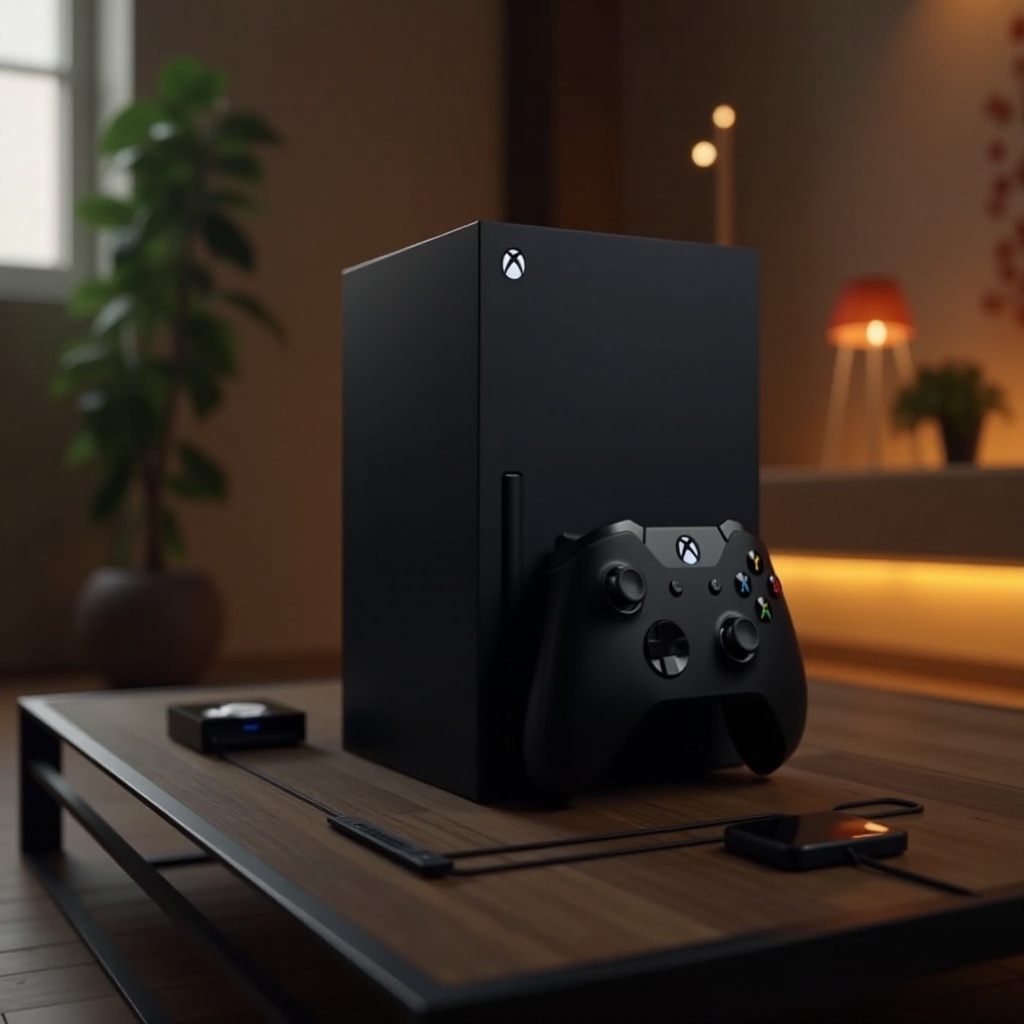
Selecting the right Bluetooth adapter from a multitude of choices can be challenging. Here are the top three Bluetooth adapters for Xbox Series X this year:
- Adapter 1: XYZ Bluetooth Adapter
- Integrates effortlessly with the Xbox Series X
-
Offers low-latency connections for minimal audio delay
-
Adapter 2: ABC Wireless Adapter
- Compact, easy-to-use plug-and-play design
-
Noted for its excellent range and dependable connection
-
Adapter 3: DEF Audio Connector
- Supports dual pairing, allowing connection to two devices simultaneously
- Provides high-quality audio transmission for an immersive sound experience
These adapters significantly enhance gameplay by introducing wireless audio features and are user-friendly to set up, catering even to those new to this technology.
Step-by-Step Guide to Setting Up a Bluetooth Adapter
Achieving optimal performance with your Bluetooth adapter is straightforward. Follow these steps to integrate it efficiently with your Xbox Series X:
- Choose a Compatible Adapter: Confirm the Bluetooth adapter is compatible with Xbox Series X.
- Connect the Adapter: Insert the adapter into the console’s USB or audio port.
- Enable Pairing Mode: Activate pairing mode on your Bluetooth headset or speaker.
- Adjust Xbox Settings: Go to the audio settings and select the newly connected Bluetooth device.
- Test Audio Quality: Start a game to evaluate audio quality and check for any latency.
These steps ensure a smooth setup process, allowing you to enjoy the benefits of wireless audio quickly and efficiently.
Troubleshooting Common Bluetooth Adapter Issues
Despite technological advancements, connection issues can arise. Here are solutions for common problems with Bluetooth adapters:
- Audio Lag: Ensure the adapter is connected directly to the console rather than through a USB hub to minimize latency.
- Frequent Disconnections: Confirm both the adapter and headset have adequate battery power and remain within range.
- Signal Interference: Reduce electronic interference by keeping other devices away from the setup.
Addressing these common issues promptly can maintain a high-quality gaming experience, free from disruptions.
Conclusion
A Bluetooth adapter is a valuable addition to any Xbox Series X setup, offering wireless audio capabilities that transform the way you game. Whether you’re seeking enhanced immersion for recreational gaming or strategic advantages in competitive play, a Bluetooth adapter provides a streamlined and flexible solution. With proper setup and a proactive approach to troubleshooting, gamers can unlock the full potential of their gaming console.
Frequently Asked Questions
Can any Bluetooth adapter be used with Xbox Series X?
Not all Bluetooth adapters are compatible with Xbox Series X. Choose models specifically designed or verified for Xbox to ensure functionality.
How can I improve Bluetooth audio quality on Xbox Series X?
Ensure the adapter is directly connected to the USB port, remove nearby interferences, and keep your devices within optimal range for best performance.
Are there latency issues with using Bluetooth adapters on Xbox Series X?
Latency can occur. Opt for low-latency adapters to minimize delays and enhance synchronization between audio and game.