Introduction
Are you looking to elevate your work productivity? A mechanical keyboard might be your secret weapon. Known for their durability and satisfying tactile feedback, mechanical keyboards offer an improved typing experience compared to traditional membrane models. Whether you spend your day typing reports, coding software, or gaming, a mechanical keyboard can enhance your efficiency and comfort. In this guide, we’ll explore why these keyboards are a must-have for your workspace, critical features to consider when choosing one, and the best 2024 models.
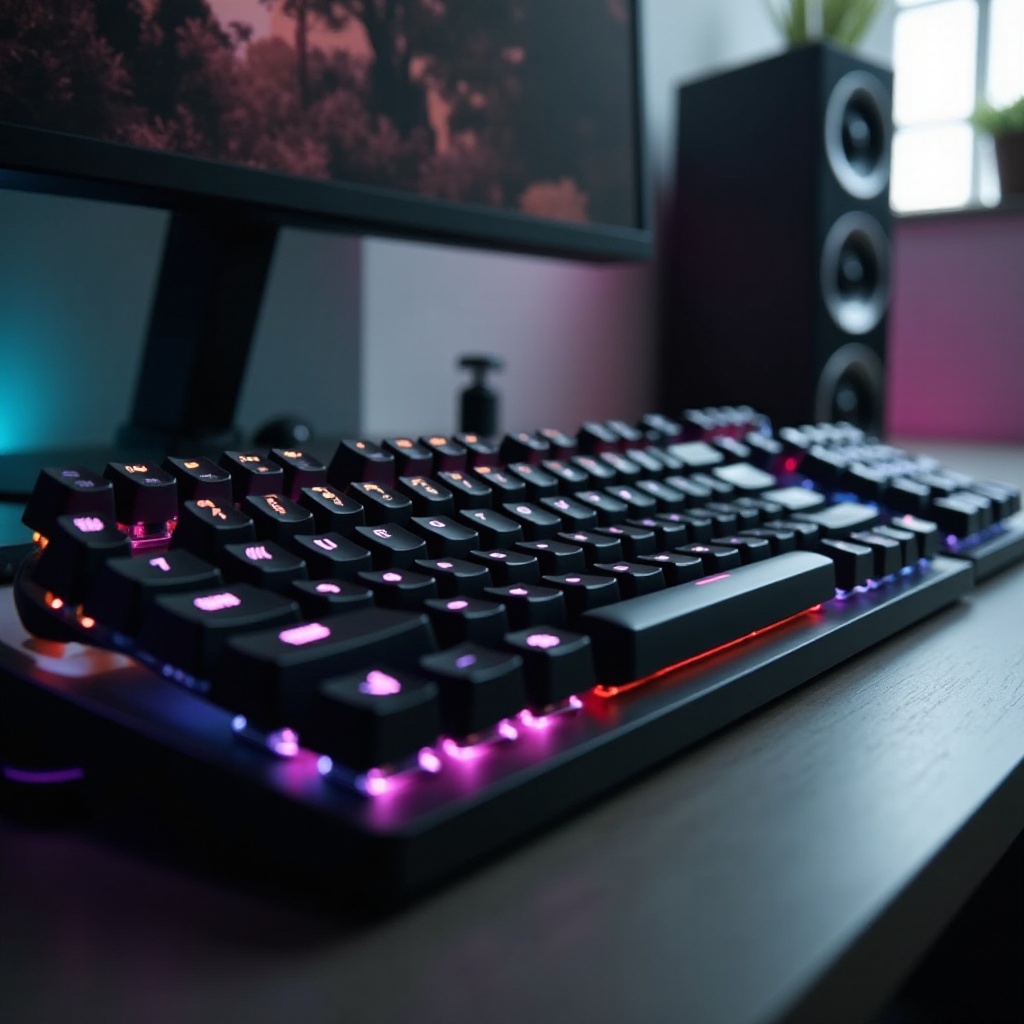
Why Choose a Mechanical Keyboard for Work?
Understanding the advantages of a mechanical keyboard is crucial before making a purchase. These keyboards provide a responsive typing experience that can significantly boost your performance and enjoyment.
Enhanced Typing Experience
Mechanical keyboards feature individual switches under each key, offering precise and tactile feedback. This leads to faster typing speeds and fewer errors, making them ideal for professional settings.
Durability and Longevity
Built to withstand heavy use, mechanical keyboards boast superior construction and longer lifespans. Investing in one means you’ll have a reliable tool for years of productive work.
Ergonomics and Comfort
Ergonomics is a key consideration in any workstation setup. Mechanical keyboards often include features like adjustable feet and wrist rests to reduce typing strain, supporting your comfort during extended use.
With these benefits clear, it’s essential to know what features to look for to find the perfect mechanical keyboard for your work environment.
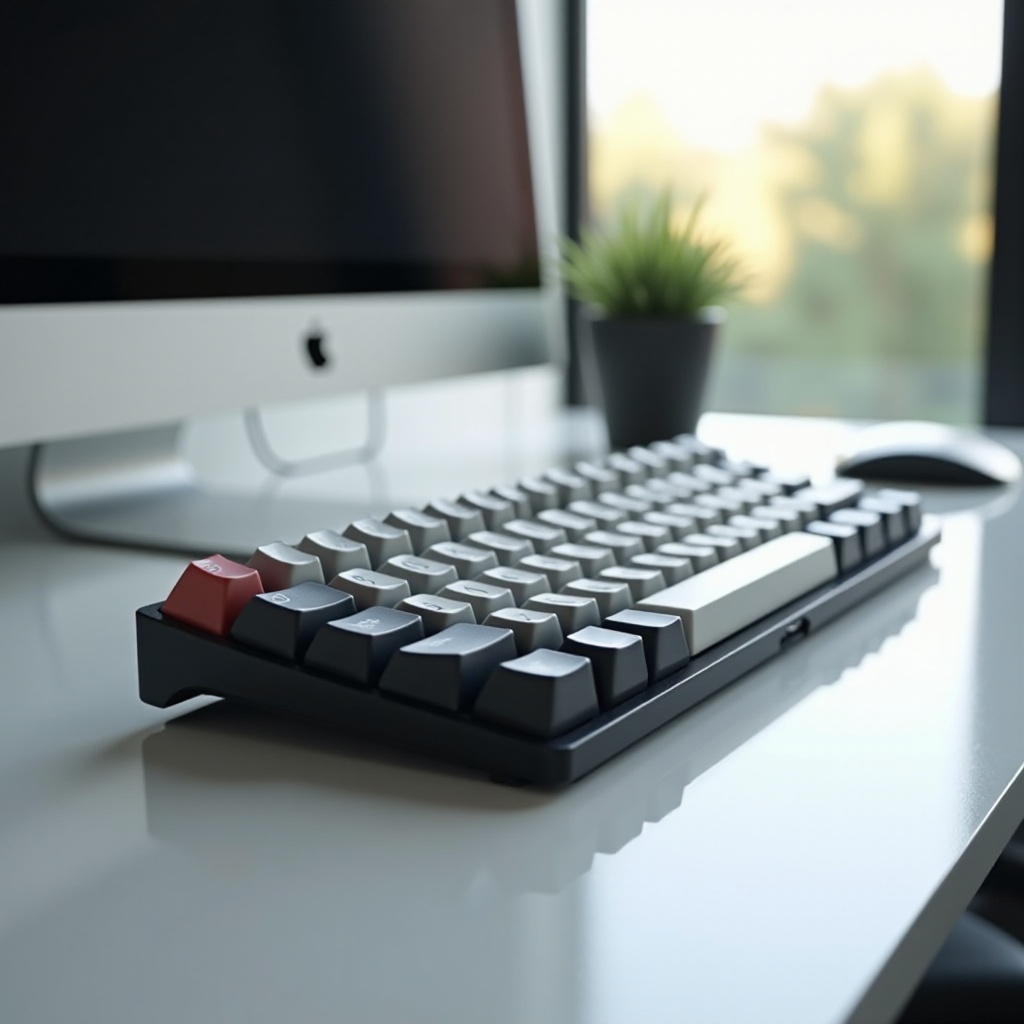
Key Features to Consider When Buying a Work Mechanical Keyboard
Finding the right mechanical keyboard involves evaluating several critical features, aligning them with your work style and preferences.
Switch Types and Their Benefits
Mechanical keyboards come with a variety of switches, each offering unique characteristics. Popular choices include:
- Cherry MX Blue: Known for tactile feedback and clicky sound, ideal for typists.
- Cherry MX Brown: Offers tactile feedback without the click, suited for both typing and gaming.
- Cherry MX Red: Smooth operation with minimal resistance, perfect for quick and quiet typing.
Build Quality and Materials
A keyboard’s build quality affects its durability and performance. Look for frames made from aluminum or high-quality plastic, and keycaps crafted from robust materials for longevity.
Connectivity Options: Wired vs. Wireless
Choosing between wired and wireless keyboards depends on your workspace setup. Wired options offer steadfast connectivity, while wireless varieties provide flexibility and a clutter-free desk.
Customization and Software
Customization capabilities can boost efficiency. Many keyboards come with programmable keys, RGB lighting, and software for customizing macros and lighting effects.
This information prepares you to explore the top mechanical keyboards leading the market in 2024.
Top 5 Best Mechanical Keyboards for Work in 2024
Identifying the best mechanical keyboard for your work means evaluating models that combine performance, durability, and comfort.
Keyboard 1: Features, Pros, and Cons
Name: Keychron K3
Pros: Compact, versatile connectivity, customizable RGB lighting
Cons: Battery life is limited compared to larger models.
Keyboard 2: Features, Pros, and Cons
Name: Logitech G Pro X
Pros: Hot-swappable switches, excellent build quality, great performance
Cons: Higher price point.
Keyboard 3: Features, Pros, and Cons
Name: Durgod Taurus K320
Pros: Quiet operation, premium keycaps, ergonomic design
Cons: No wireless functionality.
Keyboard 4: Features, Pros, and Cons
Name: Das Keyboard 4 Professional
Pros: Robust construction, media controls, integrated USB 3.0 hub
Cons: Lacks RGB lighting.
Keyboard 5: Features, Pros, and Cons
Name: Razer BlackWidow Lite
Pros: Silent keys, sleek appearance, affordable
Cons: Limited customization options.
Now, let’s explore how to choose the right keyboard based on individual needs and preferences.
Tips for Choosing the Right Keyboard for Your Work Style
To find the perfect keyboard, align your selection with your personal and professional needs.
Assessing Your Typing Needs
Identifying your primary activities can guide your choice. If typing is essential, look for keyboards with blue or brown switches that provide tactile feedback. For quieter settings, red or silent switches are preferable.
Budget Considerations
Mechanical keyboards come at various price points. Determine a budget that provides essential features without compromising quality.
Compatibility with Other Devices
Ensure the keyboard’s compatibility with your devices. Options with multiple connectivity choices often support platforms like Windows, macOS, and Linux.
After choosing your ideal mechanical keyboard, it’s vital to maintain it for lasting performance.

Maintaining Your Mechanical Keyboard for Longevity
Proper maintenance ensures your keyboard retains its performance over time.
Cleaning and Care Tips
Regular maintenance is key. Clean your keyboard every few weeks to prevent dust buildup. Use a small brush for debris removal and a damp cloth for keycaps.
Software and Firmware Updates
Check for manufacturer updates to maintain functionality and system compatibility. Updates often enhance performance and add features.
Proper Storage
Store your keyboard in a dry environment when not in use. A keyboard cover can protect against spills and dust.
By following these steps, you can extend the lifespan of your mechanical keyboard and ensure continued efficiency.
Conclusion
Investing in the best work mechanical keyboard not only boosts productivity but also enhances comfort and reduces fatigue. By considering switch types, build quality, and customization options, select a keyboard that aligns with your professional needs. These recommendations should guide your purchase, ensuring a satisfying typing experience that elevates your work performance.
Frequently Asked Questions
What are the best switch types for office use?
For office environments, Cherry MX Brown switches are recommended for their balanced tactile feedback and quiet operation.
Are wireless mechanical keyboards as reliable as wired ones?
Modern wireless mechanical keyboards offer reliable connectivity comparable to wired versions, thanks to advanced Bluetooth and proprietary technology.
How often should I clean my mechanical keyboard?
Clean your mechanical keyboard every few weeks to maintain performance and hygiene, especially with frequent use.