Introduction
Playing Minecraft with friends on the Nintendo Switch is an exhilarating experience that brings collaboration and adventure to a whole new level. Whether teaming up to build epic structures or embarking on quests, the multiplayer mode offers endless possibilities. This guide will walk you through setting up and enjoying multiplayer on Minecraft Nintendo Switch, ensuring smooth and engaging gameplay.
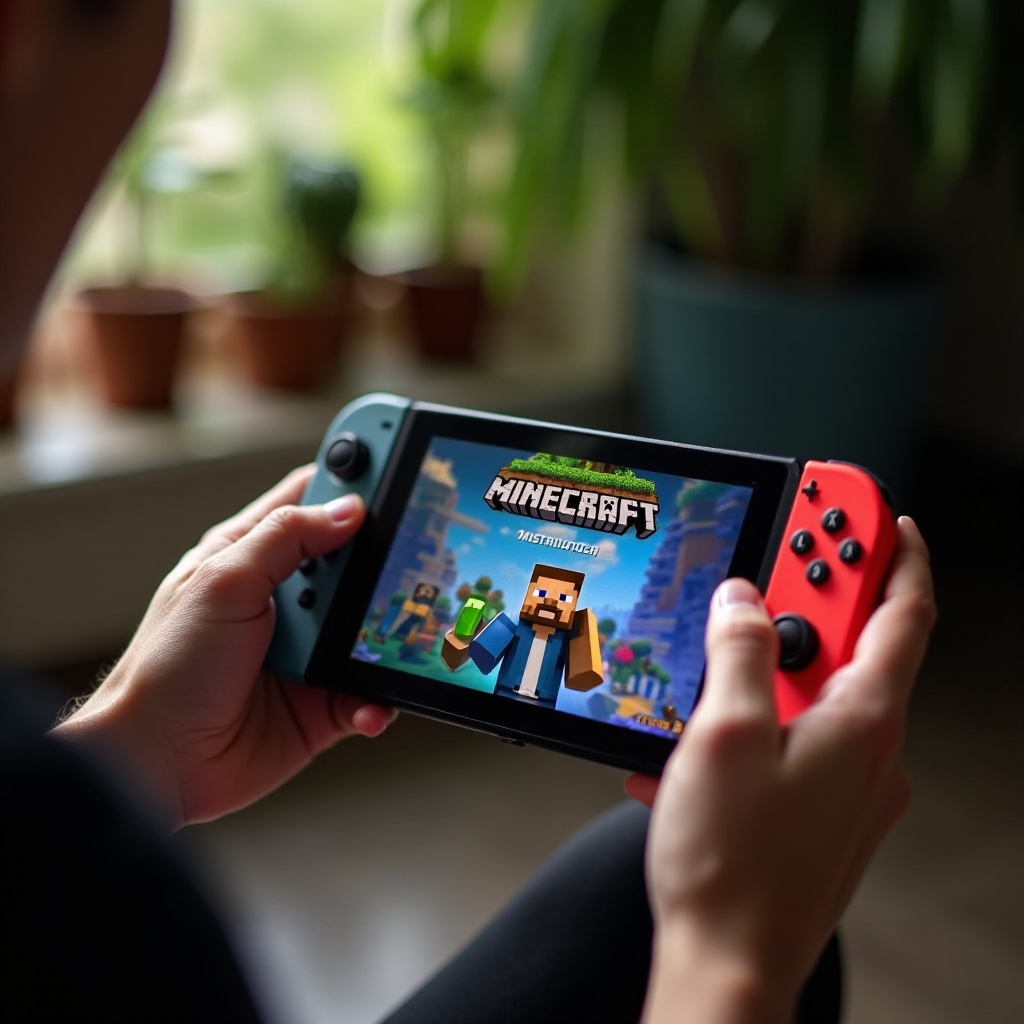
Preparing Your Nintendo Switch for Multiplayer
Before diving into multiplayer adventures, it’s essential to ensure your Nintendo Switch is ready for the task. By taking a few preparatory steps, you can prevent potential hiccups and connect with your friends effortlessly.
-
Updating Minecraft to the Latest Version: Make sure your game is up to date. Open Minecraft, and if an update is available, download it to access the latest features and enhancements.
-
Setting Up Your Nintendo Online Subscription: Online multiplayer requires a Nintendo Online Subscription. Go to the Nintendo eShop from your Switch’s home screen to subscribe. Choose the plan that suits you and complete the payment procedure.
-
Ensuring a Stable Internet Connection: A reliable internet connection is crucial. Connect your Switch to a strong Wi-Fi network or use an Ethernet adapter. This stability minimizes lag and disconnection issues, ensuring you and your friends can enjoy uninterrupted play.
Once your Nintendo Switch is prepared, you’re ready to explore the various multiplayer options Minecraft offers.
Connecting to Minecraft Multiplayer
With your system set up, it’s time to connect with friends and engage in multiplayer fun.
-
Playing Minecraft Locally with Friends: To join a local game, ensure all players are on the same Wi-Fi network. Open Minecraft, select ‘Play’, find the desired world under the ‘Friends’ tab, and join this session seamlessly.
-
Accessing Online Servers: For an extensive multiplayer experience, online servers offer a multitude of worlds. Switch to the ‘Servers’ tab and browse community-hosted options. Select the one you wish to connect to and start your adventure.
-
Inviting Friends to Your Minecraft Realm: Minecraft Realms keeps a persistent world for you and your friends. Create a new realm from the main menu, invite players via their Gamertag or Nintendo Switch ID, and maintain a consistent world for collective enjoyment.
After successfully connecting, the next step is to enhance your multiplayer experience with effective strategies.
Enhancing Your Multiplayer Experience
Maximizing the enjoyment of your multiplayer sessions involves effective communication and personalization.
-
Using Communication Tools Effectively: In multiplayer, communication is critical. Use voice chat options available through the Nintendo Switch Online app or Discord to coordinate in real time, enhancing teamwork and strategy.
-
Exploring Multiplayer Mods and Skins: Personalize your game with mods and skins. While mods are more available on other platforms, skins can be purchased or crafted to make your character and world unique, adding an extra layer of fun to your multiplayer adventures.
Balancing communication and customization contributes significantly to a cohesive and engaging multiplayer environment.
Troubleshooting Common Multiplayer Issues
Even in well-prepared systems, technical difficulties can occasionally arise. Here are steps to troubleshooting common multiplayer issues.
-
Resolving Connection Problems: If you encounter connectivity issues, restart your router and console. Ensure proper connection; if problems persist, check your router’s settings for potential network restrictions.
-
Optimizing Gameplay for Less Lag: Lag can hinder gameplay. Ensure your internet speed is adequate for online gaming. Reducing the number of network-heavy applications running simultaneously can improve performance. A wired connection further enhances stability.
These troubleshooting measures help maintain an optimal gaming experience, minimizing interruptions and enhancing enjoyment.
Safety and Etiquette in Multiplayer Games
While having fun is a priority, maintaining a respectful, safe online environment is also crucial.
-
Online Safety Tips for Players: Use strong, unique passwords for your account and enable two-factor authentication if possible. Be cautious about sharing personal information with unknown players.
-
Maintaining a Positive Gaming Environment: Promote a supportive community by following gaming etiquette. Use polite language and resolve conflicts amicably, ensuring everyone enjoys the multiplayer experience.
By prioritizing safety and etiquette, you create a welcoming space where everyone can enjoy the game’s full potential.
Conclusion
Embarking on multiplayer adventures in Minecraft on Nintendo Switch can be incredibly rewarding. Proper preparation, connection, and enhancement through communication and customization are key to unlocking the game’s full potential. Encourage friends to join and embark on novel adventures together, creating memories and virtual landscapes that last.
Frequently Asked Questions
How can I play with friends on different consoles?
Cross-platform play is supported. Ensure all players have Microsoft accounts linked to their game, providing the ability to join worlds across different devices.
What should I do if I can’t connect to a server?
Verify your internet connection’s stability, restart your console, and check server status online. Contact the server administrator if issues persist.
Is a Nintendo Online Subscription necessary for all types of multiplayer?
A subscription is required for online multiplayer, such as joining servers or Realms. However, local multiplayer can be accessed without it.