Introduction
Seeking a laptop that meets the demanding needs of graphic design can be a daunting task with so many choices available. For creatives, the laptop needs to be a balance of power, performance, and high-quality display to bring ideas to life efficiently and effectively. This guide will explore essential specifications and recommend the best laptops tailored for graphic design in 2024.

Key Specifications for Graphic Design Laptops
Selecting the right hardware is critical in ensuring that your design projects run smoothly without any interruptions.
Processor and Graphics Card
At the heart of every fast-performing laptop is its processor and graphics card. An Intel Core i7 or Apple M2 chip provides the processing power necessary to run complex design software. Graphics specialists benefit immensely from a dedicated GPU like NVIDIA GeForce RTX or AMD Radeon, which greatly enhances rendering and graphic processing capabilities.
RAM and Storage
Memory is crucial when it comes to handling multiple design programs effortlessly. Designers typically require 16GB to 32GB of RAM to ensure sufficient multitasking capacity. Storage is equally important; therefore, opting for a solid-state drive (SSD) allows for swift data retrieval and quick application launching, with a minimum of 512GB SSD considered optimal for most designers.
Display Quality and Color Accuracy
A designer’s work is displayed on their screen, making the display one of the most crucial aspects of a laptop. For color precision and vibrancy, an IPS or OLED panel is recommended, with 100% sRGB coverage being ideal for accurate color representation. A 4K display provides excellent detail—a must for top-tier design work.
Recommended Laptops for Graphic Designers
Now that we’ve identified the key specifications, here are some of the best laptops tailored for graphic design professionals.
Apple MacBook Pro 2024
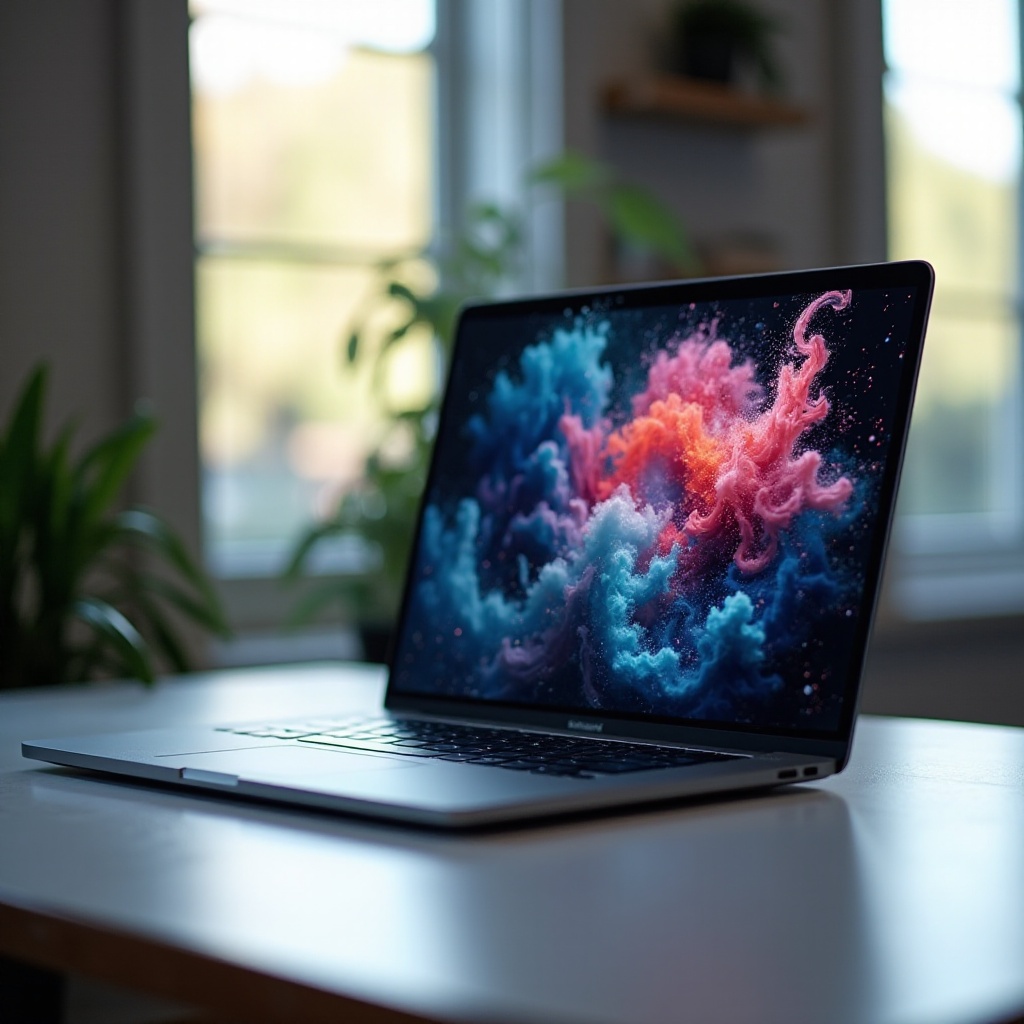
The Apple MacBook Pro 2024 remains a powerhouse in the design industry, celebrated for its robust M2 chip, which offers exceptional processing speed. With its brilliant Retina display and impeccable color accuracy, it integrates seamlessly with various design software essential for creatives.
Dell XPS 15 OLED
With its elegant design, the Dell XPS 15 OLED combines superior performance with an impressive display that offers deep blacks and a wide color range. The Intel Core i7 processor, paired with a dedicated NVIDIA GeForce RTX, guarantees efficient performance for demanding design tasks.
Microsoft Surface Book 4
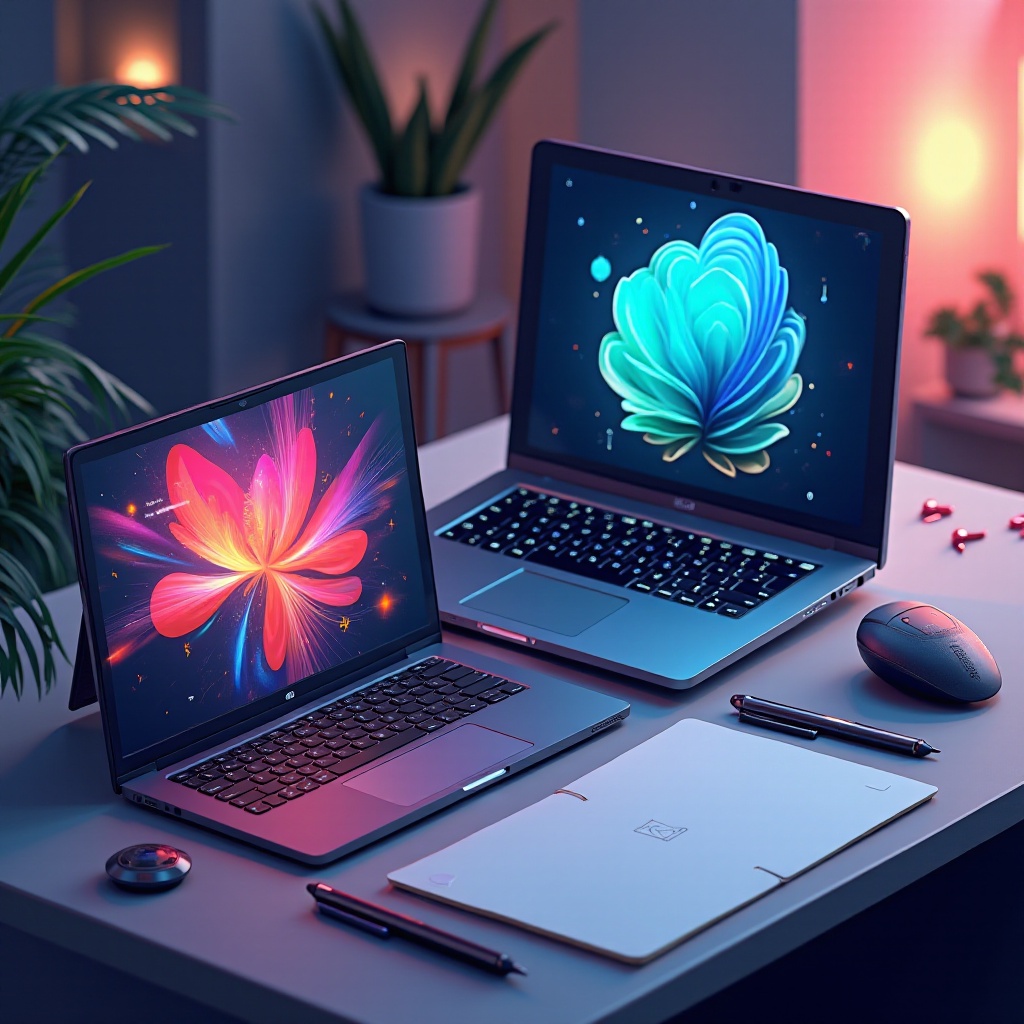
Combining adaptability with performance, the Microsoft Surface Book 4 is a favorite among designers requiring a versatile device. The detachable PixelSense display, equipped with pen support, allows for precise drawing and note-taking, while its powerful components ensure long-lasting performance.
HP Spectre x360 2024 Edition
Aesthetically pleasing and functionally robust, the HP Spectre x360 2024 Edition combines a 360-degree hinge design with a stunning 4K OLED display. Its Intel Core i7 processor provides excellent responsiveness for multitasking, making it a versatile tool for graphic designers.
Asus ROG Zephyrus G14
Known for balancing gaming capabilities with design performance, the Asus ROG Zephyrus G14 is a powerhouse. It efficiently manages resource-intensive applications with its AMD Ryzen 9 and NVIDIA graphics, and its compact design is perfect for mobility without sacrificing power.
Additional Factors to Consider When Choosing a Laptop
Beyond the primary specifications, here are a few more considerations to keep in mind when choosing a laptop for graphic design.
Portability and Battery Life
For designers always on the go, a laptop’s weight and battery life are crucial. Lightweight options with extended battery life ensure that you can work from various locations without frequently needing to recharge.
Software Compatibility
Ensure the laptop aligns with your preferred design software, such as Adobe Creative Suite, Sketch, or CorelDRAW. Compatibility can greatly impact performance and workflow efficiency.
Connectivity and Ports
Consider the variety of peripherals you may need to connect, such as drawing tablets or external monitors. A laptop equipped with USB-C, HDMI, and Thunderbolt 4 ports provides the connectivity required for a comprehensive setup.
Tips for Purchasing the Right Laptop
Armed with this information, you’ll be better equipped to make an informed buying decision.
- Budget Considerations: Set a realistic budget that balances your performance requirements with price.
- Testing Before You Buy: Visit a physical store to get a hands-on feel of the laptop. Assess the keyboard, trackpad, and overall design quality before making a purchase.
By thoroughly understanding your needs and evaluating different models, you can confidently select a laptop that boosts your productivity and creativity as a graphic designer.
Conclusion
Investing in the right laptop for graphic design can significantly impact your creative productivity. Whether you favor the sleek MacBook Pro, the versatile Surface Book, or the powerhouse ROG Zephyrus, knowing your specific needs will guide you to the best choice. A successful design experience hinges on having the perfect tool to bring your projects to life with precision and ease.
Frequently Asked Questions
What is the best screen size for a graphic design laptop?
A 15 to 17-inch display provides ample space for multitasking while maintaining portability.
Is a dedicated graphics card necessary for graphic design?
Yes, a dedicated GPU helps with rendering and running demanding software smoothly.
How much RAM do I need for graphic design work?
16GB is usually enough, but 32GB is better for handling large files and complex software.